
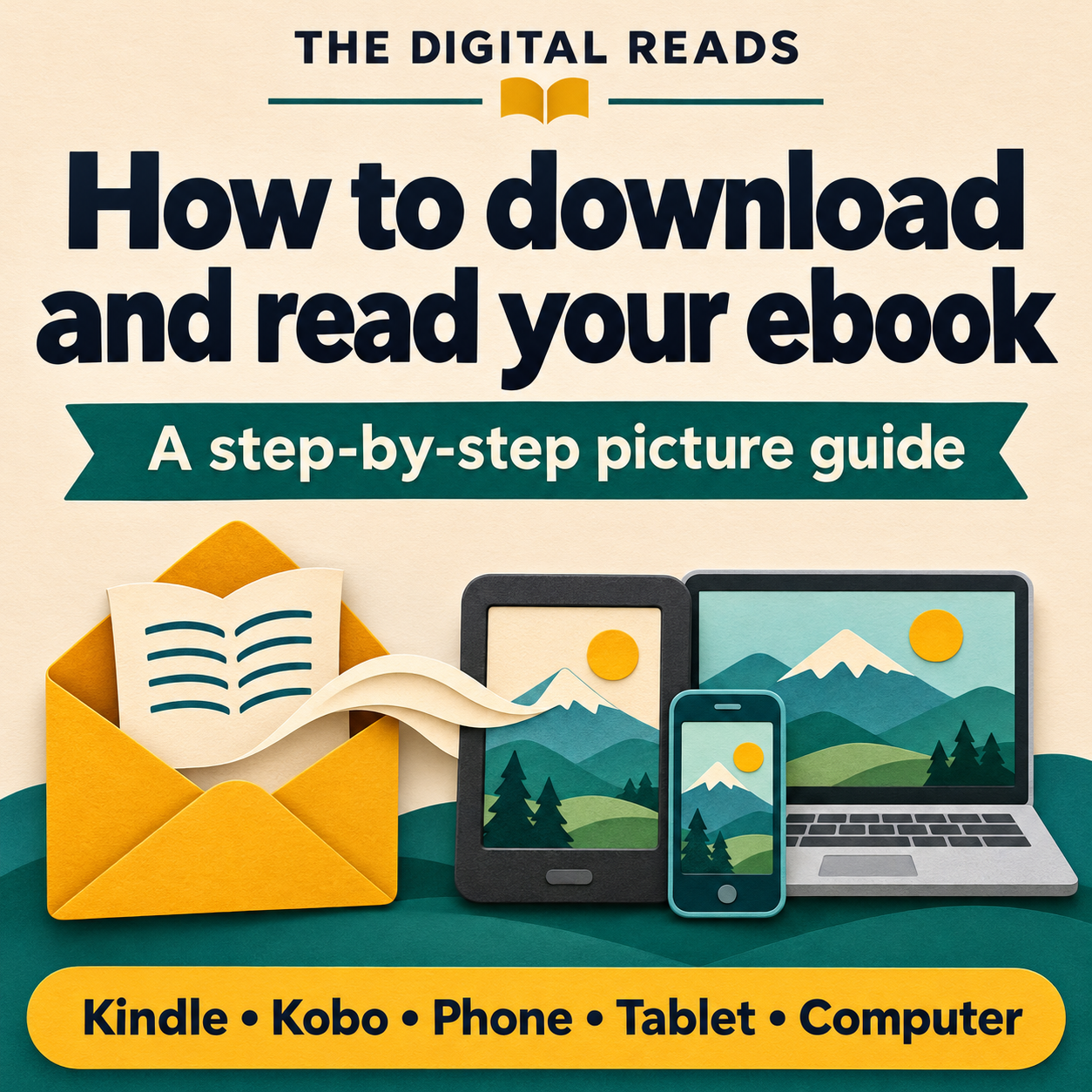
How to load your download to your device
On Sale
£0.99
£0.99
How to Download and Read Your Ebook
A step-by-step picture guide for beginners from The Digital Reads
Bought an ebook and wondering how to get it onto your Kindle? Tapped Download on your phone and can’t find where the book went? This downloadable Word document walks you through each step, from opening your purchase email to reading the first page.
Start with the email instructions, then jump straight to the section for your device. Each section uses plain English and pictures to show you what to click or tap.
Inside, you’ll learn how to
- Find your download link and choose between the EPUB and PDF versions of your book.
- Send your ebook to a Kindle or transfer it to a Kobo or another eReader.
- Open your book on an iPhone, iPad, Android device, Windows computer or Mac.
- Find a missing download or fix a book that hasn’t appeared on your device.
There’s also a one-page quick reminder card you can keep handy for your next ebook.
File included: One illustrated Word document (.docx) with instructions for reading ebooks purchased from The Digital Reads.