
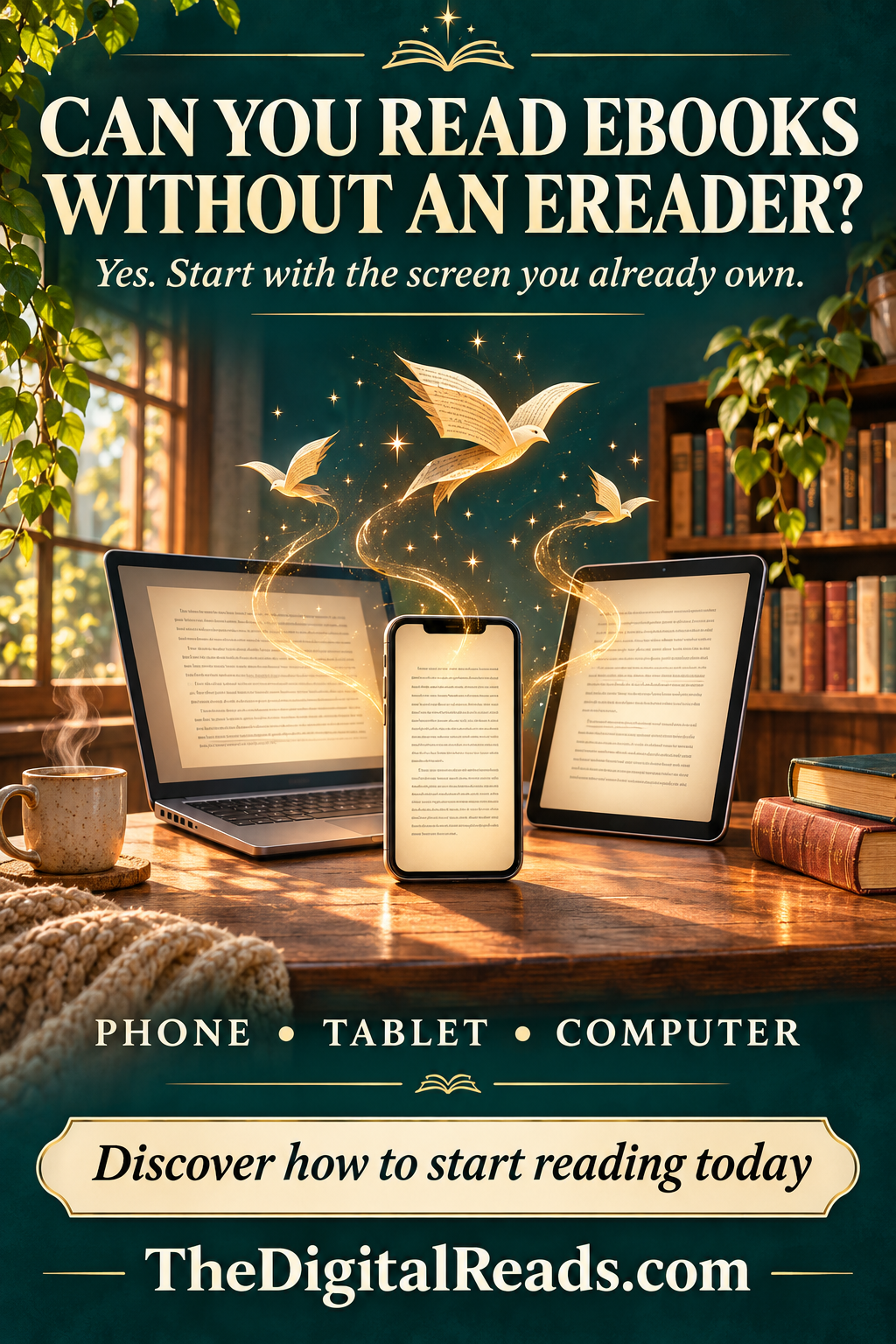
Yes, you can read ebooks without an ereader. A smartphone, tablet, laptop or desktop computer can open digital books using a compatible reading app or supported web browser. You do not need to buy a Kindle or another dedicated device to begin.
The important question is which app works with the book you want to read. A Kindle purchase, a downloadable EPUB and a library loan may each follow a different route, but none automatically requires new hardware.
If you have been browsing TheDigitalReads ebook catalogue and wondering whether your existing phone is enough, this guide explains where to start, what to download and how to make reading comfortable.
What is the difference between an ebook and an ereader?
An ebook is the digital book itself. An ereader is a device designed primarily for reading digital books. A reading app is software that lets another device perform that job.
Think of the ebook as the story and the app as the place you open it. You can change the device without changing the fact that you are reading a book.
Dedicated ereaders can be useful, but they are optional. For a first digital novel, trying the phone or computer you already own is a sensible starting point.
You might discover that reading a chapter on your lunch break suits you perfectly. You might prefer a tablet on the sofa or a laptop with larger text. There is no single correct screen for enjoying a story.
Which devices can you use to read ebooks?
Several everyday devices can become your digital reading space.
DeviceA practical reading optionWhat to considerAndroid phoneKindle app or Google Play BooksMatch the app to your purchase or downloaded file.iPhone or iPadKindle app or Google Play BooksSign in to the account containing your book, or import a supported file.Android tabletA compatible reading appThe larger display gives text and illustrations more space.Windows laptop or PCKindle for Web or Google Play Books in a browserCheck current system requirements before installing desktop apps.MacApple Books, Kindle for Web or Google Play BooksApple Books can import many EPUB books and PDFs.
Amazon supports both app and browser reading. Meanwhile, Apple’s guide to importing books on a Mac explains how to add books obtained outside its own bookshop.
The right choice depends on where your ebook comes from, rather than which device looks most like a book.
How to read ebooks on your phone
If you bought the book from an ebook store
Install the store’s supported reading app, sign in with the account used to purchase the book and find it in your library. Download the title, then open it.
For example, Amazon’s Kindle reading apps provide a way to read Kindle purchases without owning a Kindle device. Google Play Books also provides mobile reading through its app.
If a purchase button is unavailable inside an app, check the retailer’s website and current purchasing instructions. Buying through a browser and reading through an app can be separate steps.
Once the book opens, take a moment to explore the display settings. Increasing the font size can make a bigger difference than changing devices.
If you downloaded an EPUB or PDF
Buying directly from a website may give you a downloadable file. Check the product description for the formats supplied before paying.
For a compatible EPUB on Android, a straightforward route is:
- Download the ebook to your phone.
- Open your Downloads or Files app.
- Find the EPUB file.
- Choose Open with or Upload to Play Books, where available.
- Find the book in your Play Books library and open it.
Google’s official EPUB and PDF upload guide includes instructions for Android, iPhone, iPad and computers. For PDF uploads on Android, you may need to enable PDF uploading in the app’s settings.
Start with one book rather than importing a whole collection. Once you know that the file opens and the text is comfortable, adding your next read becomes easier.
Can you read Kindle books without a Kindle?
Yes. Kindle books can be read through Amazon’s supported Kindle apps, and compatible titles can also be read through Kindle for Web.
The word “Kindle” can refer to the device or the reading service, which is where some confusion begins. Owning the device is not a prerequisite for using the service.
To read in a browser, visit Kindle for Web, sign in and select an available title. Amazon notes that not every title supports browser reading, so an app may be necessary for a particular book.
A separate point matters here: an EPUB downloaded from an independent shop does not necessarily appear automatically in your Kindle library. Follow the seller’s instructions and use a compatible import method or EPUB reading app.
You do not need to limit your reading to one retailer simply because you started with one app. However, different purchases may need different apps, so check compatibility before buying.
Can you read ebooks on a laptop or desktop computer?
Yes, and a larger screen can be useful if you want generous text sizes, find a small phone awkward or prefer keeping notes beside your book.
Browser readers are convenient because they can avoid installing desktop software. Google explains how to open titles through your library in its guide to reading ebooks on a computer. Kindle for Web offers another route for compatible Kindle titles.
For downloaded files, choose software that supports the format and any access restrictions. Do not assume every web browser opens EPUB files just because it can display PDFs.
Before settling into a long session, adjust the reading window. Very wide lines can be awkward to follow; a narrower window or suitable column setting may feel more natural.
A computer can also be a practical place to organise your reading. Keeping downloaded files in a clearly named folder makes them easier to find when you want to open another book.
EPUB or PDF: which should you choose?
For an ordinary text-based novel, a reflowable EPUB is usually the more flexible choice on a small screen. Its text can rearrange to suit the display and chosen font size, provided the reading app supports those features.
A PDF usually preserves a fixed page layout. That can be useful when the arrangement of images, diagrams or text matters, but a full page may look small on a phone. You might need to zoom and move around it.
Imagine reading a novel on a bus. With a reflowable EPUB, increasing the text size usually rearranges the paragraphs to fit the screen. With a fixed-layout PDF, enlarging the page may mean moving sideways to finish a line.
Not all EPUBs are reflowable, and not every book offers the same display settings. Check the sample and available formats rather than assuming the filename guarantees a particular experience.
Also watch for DRM, short for digital rights management. A book can use a familiar format while still requiring a particular app or authorisation. If a file refuses to open, consult the retailer’s guidance before buying another device.
Do you need Wi-Fi to read ebooks?
Often, you can read offline after downloading the book into an app that supports offline reading. Buying, borrowing, importing and synchronising may still require an internet connection.
A cover appearing in your library does not always mean the complete book is stored on your device. Before travelling, open the book, finish any download, then briefly turn on flight mode and check that several pages open.
Browser reading is different. For example, Libby’s offline reading guidance confirms that downloaded loans can be used offline in its mobile app, but libbyapp.com requires an internet connection.
That small test at home is much easier than discovering an unfinished download when your train enters a tunnel.
If you are packing digital books for a holiday, download more than one before leaving. Having another story ready gives you a choice if your first selection does not suit your mood.
Can you read ebooks for free without an ereader?
Yes. You can begin with a free ebook, an available sample or a digital loan from a participating library.
Explore the Free Reads collection at TheDigitalReads to see the current selection. Check each listing for its download details, and distinguish a free sample from a complete free book.
Your local library may offer digital borrowing through Libby or another service. Availability depends on your library, membership and catalogue. The Libby quick-start guide explains how to find a participating library and add a library card.
A free reading app does not make every book within it free. Likewise, an optional subscription is different from buying an individual ebook. Check what you are agreeing to before starting a trial or completing checkout.
Trying a free title or sample is also a useful way to test your setup. You can discover whether you enjoy reading on your phone before spending money on books or equipment.
How to make phone reading more comfortable
Give your reading app a few minutes of attention before deciding whether ebooks suit you.
Increase the text size
Choose a size you can read easily rather than squeezing more words onto the screen. Turning pages more often is a small inconvenience compared with struggling through tiny text.
Adjust the page appearance
Try available light, sepia or dark themes and choose what feels comfortable in your surroundings. Adjust the screen brightness too, rather than leaving it at a setting chosen for a different activity.
Change spacing where supported
A little more room between lines may make a dense page easier to follow. Some apps also let you change margins, fonts or paragraph alignment.
Reduce interruptions
Silence unnecessary notifications during your reading time. A book becomes harder to settle into if messages and social updates interrupt every few paragraphs.
Support the device and take breaks
A stand, cushion or comfortable position can help during longer sessions. Pause, change position and look away from the screen when you need a break.
Start with a chapter or ten minutes. You are finding a routine that fits your day, whether that means a lunch-break mystery or a few pages on the sofa.
Choose a first ebook that makes you want to keep reading
The setup is only useful if you actually want to return to the story. Pick a familiar genre or an intriguing premise, rather than treating your first ebook as homework.
Here are five possibilities to explore on TheDigitalReads.
For science-fiction adventure: The Comet Rider
If competition and danger catch your attention, explore The Comet Rider, a science-fiction racing story with a high-stakes premise.
For a journey towards the stars: The Pilot Who Fell Upward
The Pilot Who Fell Upward offers a flying adventure that begins with a crop-sprayer and reaches towards the stars.
For something unsettling: The Hushed Earth
Readers who prefer an ominous mystery can investigate The Hushed Earth, a science-fiction horror story.
For a climate thriller: Carbon Saints
Carbon Saints explores the consequences of trying to save the sky, making it a possibility for readers drawn to environmental stakes.
For survival and difficult choices: The Last Aquifer
The Last Aquifer centres on scarce freshwater and the choices people face when survival depends on a precious resource.
Check each book’s current format and availability before downloading. If you would rather explore first, try the TheDigitalReads Book Finder.
Frequently asked questions
Do I need to buy a Kindle to read an ebook from Amazon?
No. Use a supported Kindle app or Kindle for Web for compatible titles. Sign in using the account associated with your book purchase.
Can I read an ebook without installing an app?
Sometimes. Supported browser services, including Kindle for Web and Google Play Books, let you read eligible books online. A downloaded EPUB may need a compatible app or supported upload service.
Why will my downloaded ebook not open?
Check that the download completed, that your app supports the file format and that you have followed any required authorisation steps. A purchase receipt or download webpage is not the ebook file itself.
Do I need an ebook subscription?
No. Individual purchases, free downloads and eligible library loans provide other routes. A subscription is an optional way to access a particular service’s selection.
Can I move between my phone and computer?
Many reading services support access across devices using the same account. Reading-position synchronisation depends on the app, book and settings; separate local copies in unrelated apps may not share your progress.
Your next book could already fit in your pocket
You do not need to buy another gadget before trying digital reading. Start with a device you own, choose a compatible app and open one book that interests you.
Your phone could become a place for a few quiet pages between appointments. Your tablet could hold your next weekend read. Your laptop could give you the space to enjoy larger text.
Browse TheDigitalReads, choose your next story and make the screen you already use a place to read.
Comments ()